

News Summary
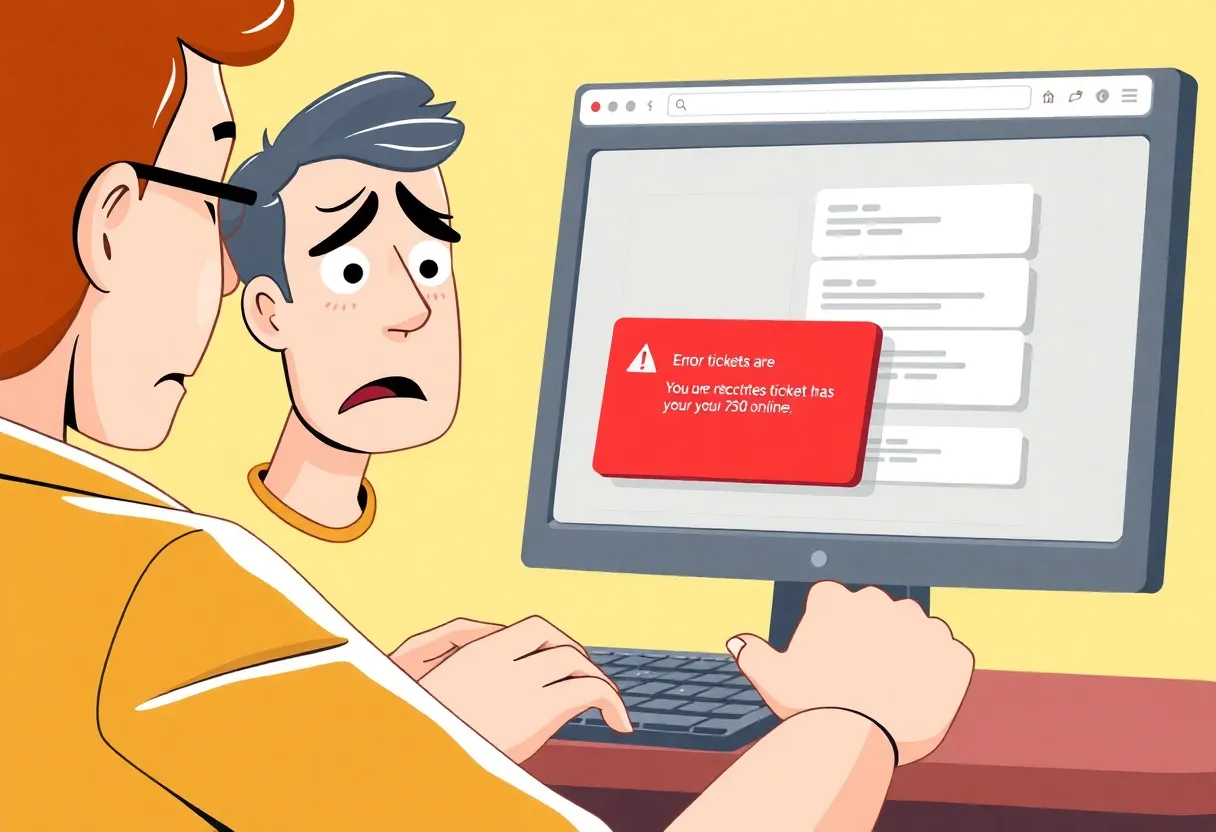
Many Windows users have recently encountered the frustrating Error 401 Not Allowed while attempting to purchase tickets on TicketMaster. This common issue typically results from cached files or cookies in the browser. Thankfully, clearing these may resolve the error. Users should also check if they are using proxies or VPNs, as these can block access. Additionally, network connection inconsistencies and potential temporary account bans can contribute to the problem. Following the right steps can help users enjoy hassle-free ticket purchasing once again.
Windows Users Facing TicketMaster’s Error 401 Not Allowed
Attention all ticket enthusiasts! If you’re a Windows user and have recently tried to snag some tickets on TicketMaster only to be met with the dreaded Error 401 Not Allowed, you’re not alone. Many users are facing this hiccup when attempting to purchase tickets. Let’s dive into what this means and how you might be able to fix it!
What is Error 401 Not Allowed?
Most users report that they can browse through available tickets just fine, but as soon as they select a date to purchase, *bam*— Error 401 comes along and halts their plans. This error usually stems from temporary cached files or cookies saved in your browser from the TicketMaster system.
How to Quickly Fix the Error
The good news is that clearing your browser’s cache and cookies typically resolves the issue. Important note: If you need a step-by-step, there are handy guides available for clearing cache and cookies across various browsers like Chrome, Firefox, Edge, Internet Explorer, and Opera. Make sure to take those few minutes to do this before trying again!
Proxy and VPN Woes
TicketMaster is pretty strict with account access. If you’re using a Proxy server or a VPN while trying to access TicketMaster, you might be inviting the Error 401 all on your own. It’s best to disable these services before hopping back onto the TicketMaster website.
Check Your Network Connection
Inconsistencies in network connections could also be culprits in triggering that pesky Error 401. If you suspect this might be the case, a simple restart of your networking device might do the trick. Turn it off for a moment (you can either hit the power button or unplug it for 30 seconds) and then turn it back on. This refresh can often help clear up connection issues.
What If Your Account is Temporarily Banned?
If everything above checks out and you’re still met with the Error 401 message, there’s a chance your account might be temporarily banned. Such bans can occur due to excessive refreshing or if TicketMaster’s filtering algorithms suspect that a user is a bot. These bans can last up to 24 hours. If you need to get your hands on those tickets quickly, creating a new account could be your best alternative while waiting for the ban to lift.
Don’t Let Corrupted Cookies Block You
Sometimes, cookies created by TicketMaster could become corrupted and stand as barriers between you and your ticket purchase. So remember, cleaning those cookies is crucial in continuing your ticket hunt.
Wrap Up
To sum it up, if you’re facing Error 401 on TicketMaster while using Windows, the first steps should be clearing your browser’s cache and cookies, checking if you’re using a Proxy or VPN, and looking into your network connection. If all else fails, and you’re facing issues because of a temporary ban, creating a new account can be your ticket to success (pun totally intended!). Happy ticket hunting!
FAQ Section
What causes Error 401 Not Allowed on TicketMaster?
The Error 401 is often caused by temporary cached files or cookies from the TicketMaster system.
How can I resolve Error 401?
Clearing the browser cache and cookies typically resolves the issue.
Can using a Proxy or VPN affect my TicketMaster access?
Yes, TicketMaster is strict about users accessing its platform via Proxy servers or VPNs, which may prevent ticket purchases.
What should I do if I’m temporarily banned from TicketMaster?
Temporary bans on user accounts can lead to the Error 401 message; these bans may last up to 24 hours. If you cannot wait, you may need to create a new account to purchase tickets.
How do I clear cookies and cache?
Guides for clearing cache and cookies are available for various browsers: Chrome, Firefox, Edge, Internet Explorer, and Opera.
| Issue | Solution |
|---|---|
| Error 401 Not Allowed | Clear browser cache and cookies |
| Using Proxy or VPN | Disable before accessing TicketMaster |
| Network issues | Restart networking device |
| Temporary account ban | Create a new account or wait |
| Corrupted cookies | Clear cookies specific to TicketMaster |
Deeper Dive: News & Info About This Topic
- Appuals: How to Fix TicketMaster Error 401 Not Allowed
- Google Search: TicketMaster Error 401 Not Allowed
- Appuals: Understanding Error Codes on TicketMaster
- Wikipedia: Error 401
- Encyclopedia Britannica: Error 401